
Use Claude models with your own Anthropic key
Switch Opskeet's AI to Claude Haiku, Sonnet or Opus with your own Anthropic API key, for visitors, your team, or both.
Opskeet AI is included in every plan. If you want answers from Claude, add your own Anthropic key. Anthropic bills you directly for what you use.
Pick models
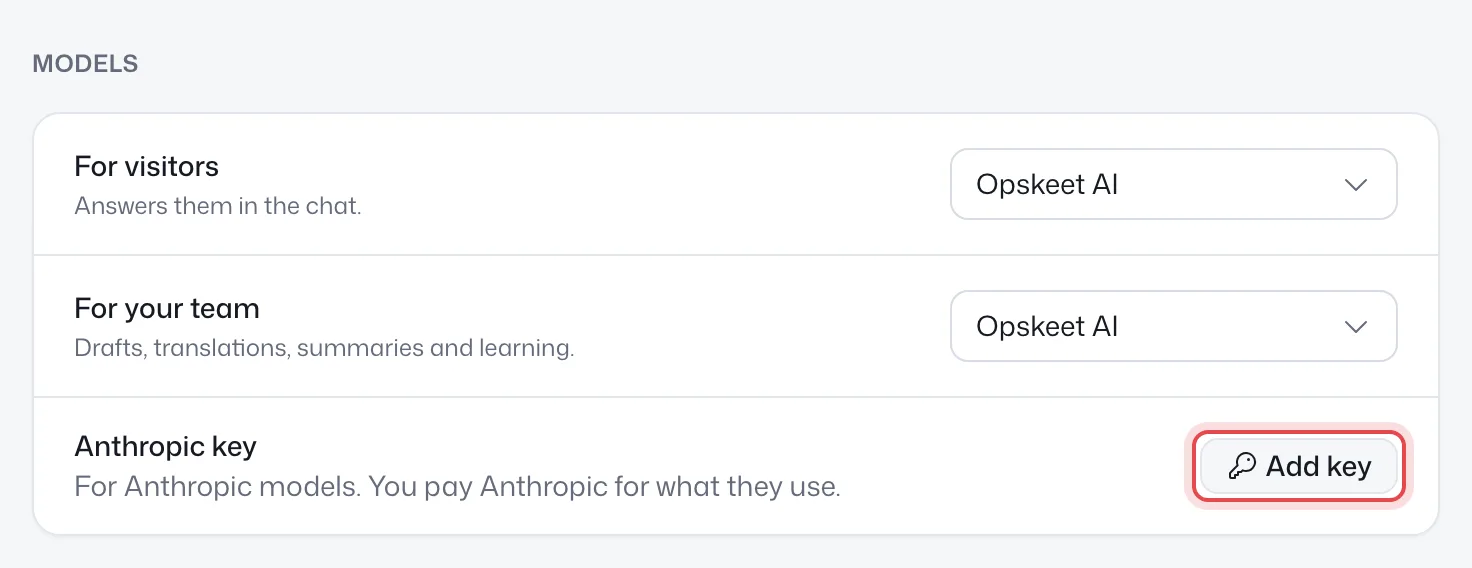
On the AI page, under Models:
- For visitors: answers them in the chat.
- For your team: drafts, translations, summaries and learning.
| Model | Good for |
|---|---|
| Opskeet AI | Everyday chats. Included. |
| Claude Haiku | Fastest |
| Claude Sonnet | Balanced |
| Claude Opus | Smartest |
Add your key
- Get a key from the Anthropic Console.
- On the AI page, click Add key next to Anthropic key, or pick a Claude model.
- Paste the key (it starts with
sk-ant-) and click Check and save. - Pick the model and click Save.
The key is checked with Anthropic first, stored encrypted, and used only for this project. Afterwards you only see its last 4 characters.
Only owners and admins can add or remove keys. AI agents connected through MCP or the API can't touch them.
If the key stops working
If Anthropic refuses the key, the key shows Turned down and Opskeet AI answers instead, so visitors still get replies. Click Replace to add a new key. It turns back to Working after the next successful answer.
Remove the key
Click Remove. Claude models stop and Opskeet AI takes over until you add a key again.
Did this help?
Related articles
- Set up the AI agent to answer visitorsTurn on Opskeet's AI agent, choose when it answers, and set its limits so it replies to visitors from your own knowledge.
- Teach the AI with your website, documents and answersAdd your website, PDFs, Word files and written answers to Opskeet's Knowledge so the AI agent answers visitors correctly.
- Written answers: teach the AI what isn't on your siteAdd written answers so Opskeet's AI knows policies and facts that aren't on your website. Import and export them as CSV.
- Test the AI before visitors see itAsk Opskeet's AI questions in the Try it panel, see how sure it is and which sources it used, and fix wrong answers.
- Set the AI's name, tone, guidelines and guardrailsGive Opskeet's AI agent a name and brand voice, tell it how to answer, and set guardrails for what it must never do.